Documentation
Start your journey to master GuntherBot. Here you will find all guides, commands and tool explanations.
Introduction
GuntherBot is a Discord bot developed in JavaScript with Node.js for managing the miracle74 game.
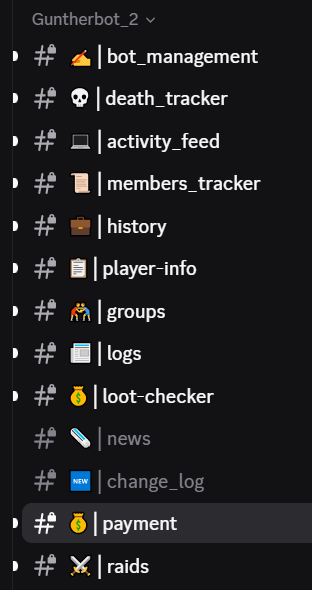
All commands are controlled with buttons. Below we explain what each button does.
The first we will talk about is the bot_management channel:
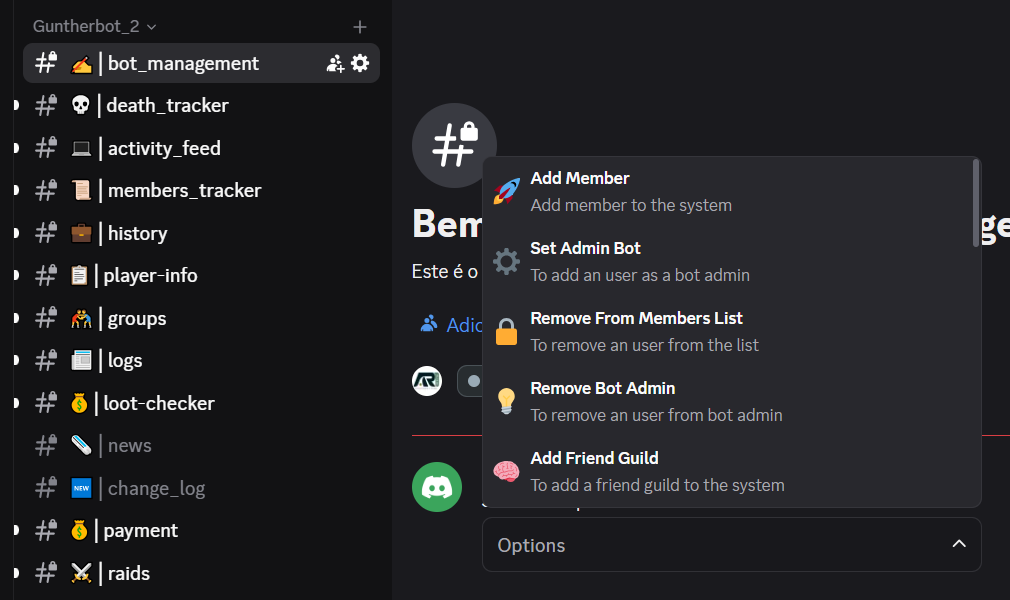
Add Member
Option 'Add Member': to add a miracle74.com player to the list of members that are tracked, it requires the name of the discord user and the name of the miracle74 player, whether it is the main character for this discord user and a prenome, that will be added to the name of the discord user for the current server, all the members are monitored in the channel members_tracker

Remove From Member List
Option 'Remove From Member List': to remove a member from the members list, requires a bot Admin role to remove
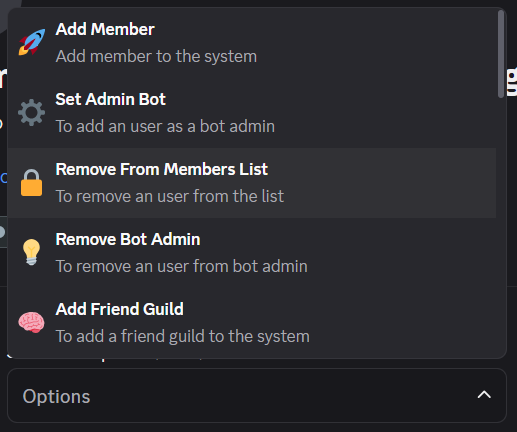
Set Admin Bot
Option 'Set Admin Bot': to set a discord user as an Admin Bot, some parts of the bot will allow not only administrators but bot Admins to do some tasks, example: only members defined as a bot Admin can add or remove members, and more
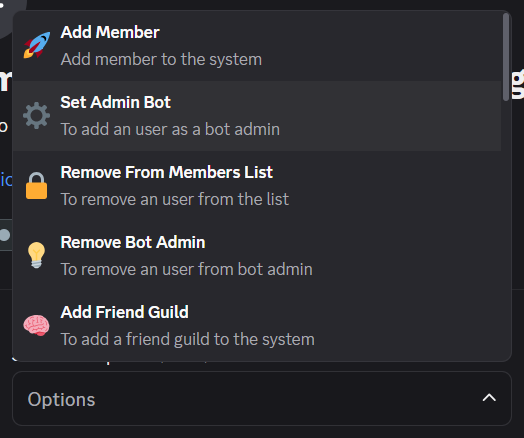
Remove Bot Admin
Option 'Remove Bot Admin': to unset a discord user as a bot Admin
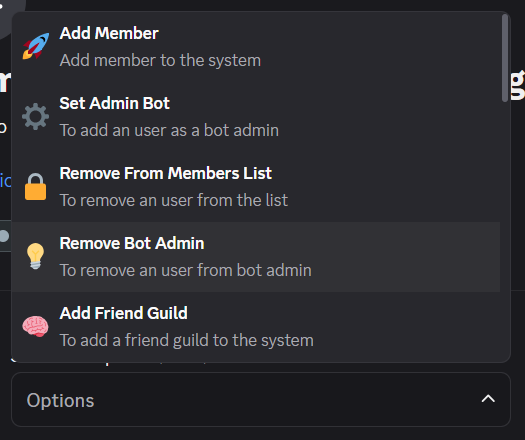
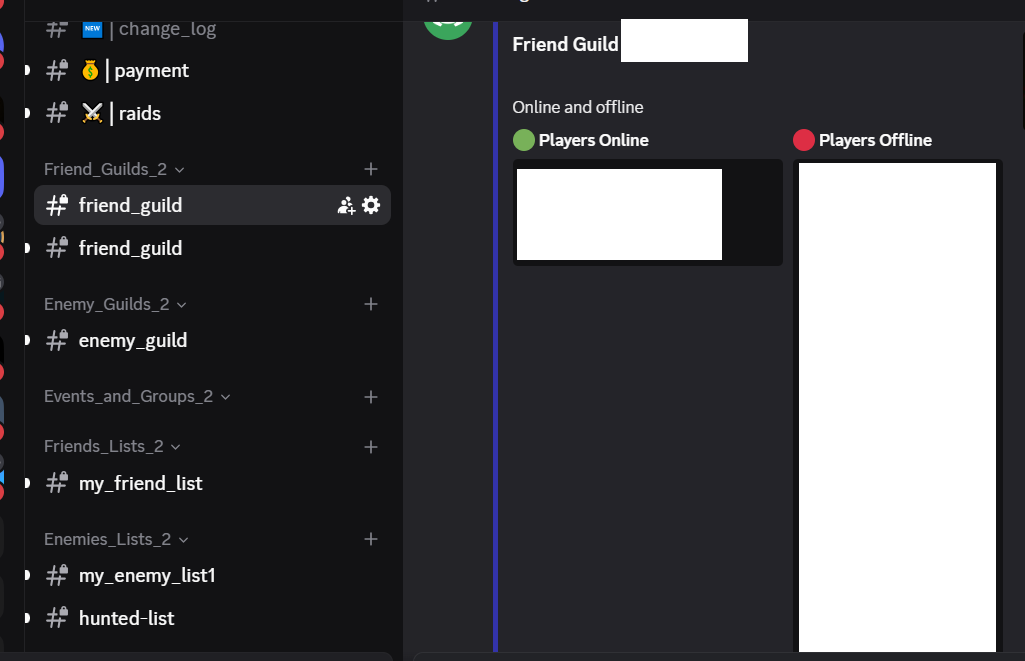
Add Friend Guild
Option 'Add Friend Guild': to add and monitor a guild, it will appear in the category for friend guilds, the channel looks like this:
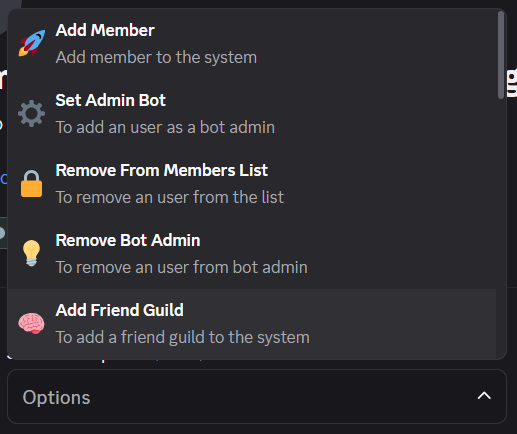
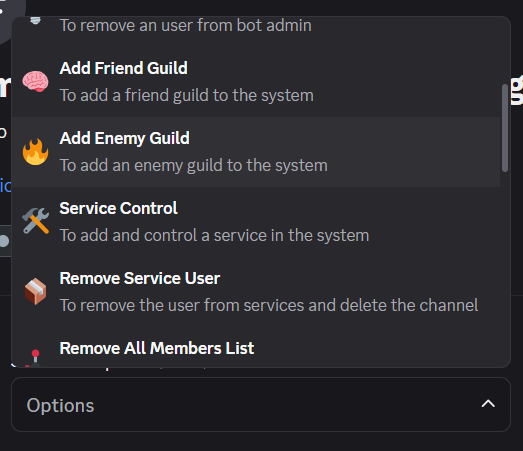
Add Enemy Guild
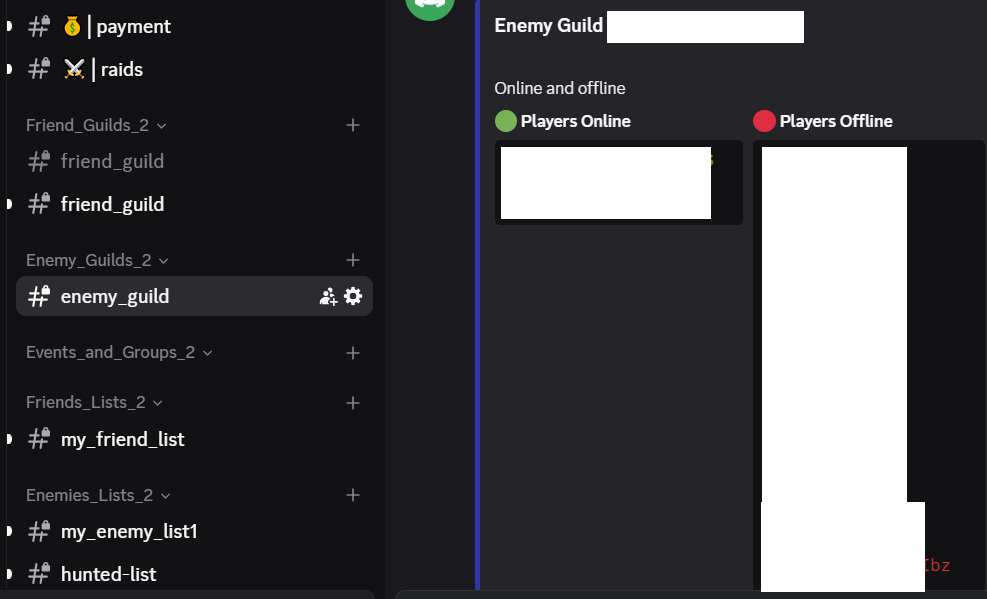
Option 'Add Enemy Guild': to add and monitor an enemy guild, it will appear in the category for enemy guilds, the channel looks like this:
Service Control
Option 'Service Control': to add and control a service in the system, you will be asked for the name of the channel to create and a discord user that will control the service, and this is what it looks like:
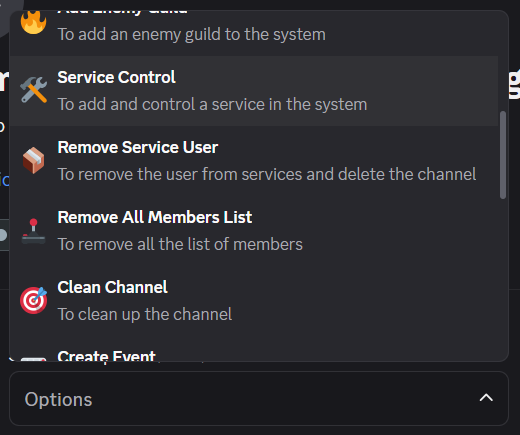
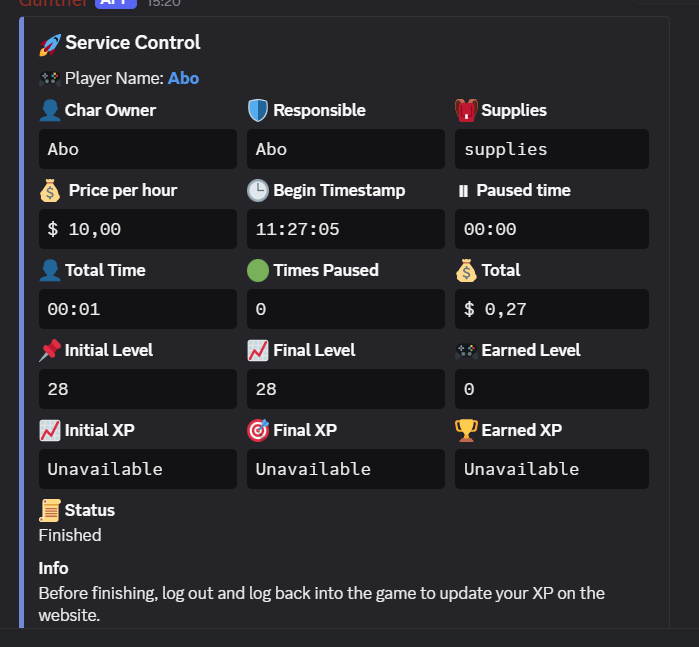
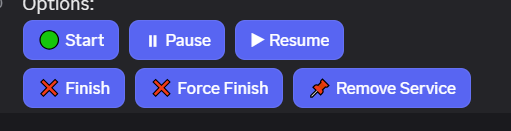
Button controls, 'Start': to initiate the service, 'Pause' to pause a service, 'Resume' to resume a service, when pause the timer stop counting, 'Finish': to terminate a service and the calculations will be done, 'Force Finish': to force an end of service, 'Remove Service': to delete the service from the system, the channel shows an embed with 'Char Owner', 'Responsible', 'Supplies', 'Price Per Hour', 'Begin Timestamp', 'Paused Time', 'Total Time', 'Times Paused', 'Total', 'Initial Level', 'Final Level', 'Earned Level', 'Initial XP', 'Final XP', 'Earned XP'
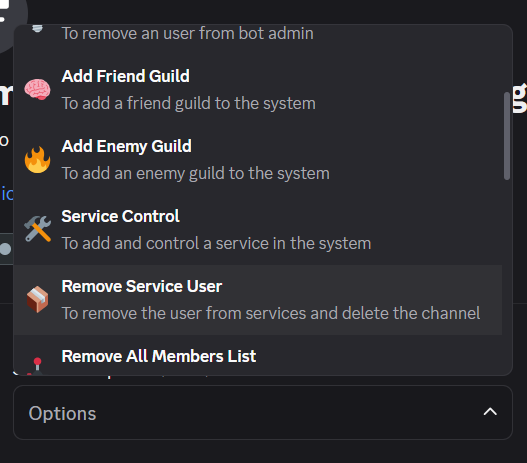
Remove Service User
Option 'Remove Service User': to remove the user that is doing a service
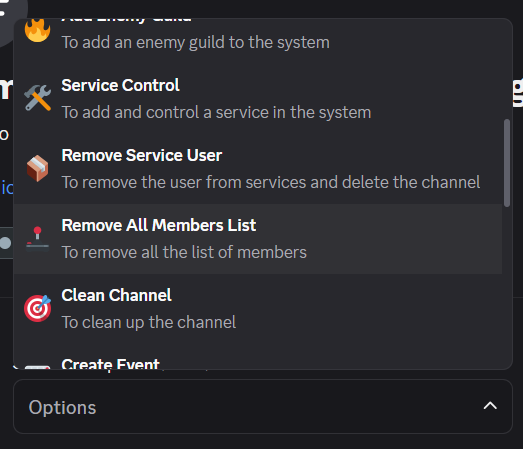
Remove All Members List
Option 'Remove All Members List': to remove all the members in the members list
Clean Channel
Option 'Clean Channel': to cleanup the bot_management channel
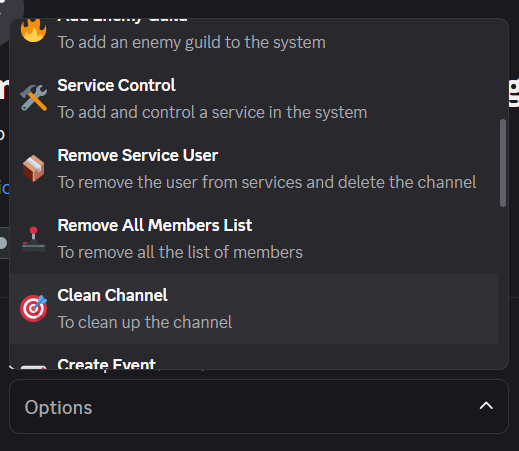
Create Event
Option 'Create Event': to create an event, the options to fulfill are: The event name, Participants Limit, Price for Participant, Elite Knight Responsible, Minimum Level Limit, and it will create a channel in the events category, like this:
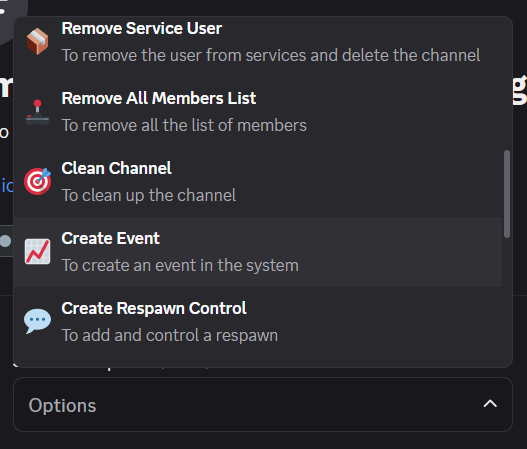
Control Buttons, 'Join Event', to enter the event, 'Define the date and hour of the event', to set the event date, 'Set as finished the event', to terminate an event, 'Add Guest', to allow any user to enter the event, 'Add player to event', to add a member to the event, 'Remove player from event', to remove a player, 'Set event started', to initiate the event
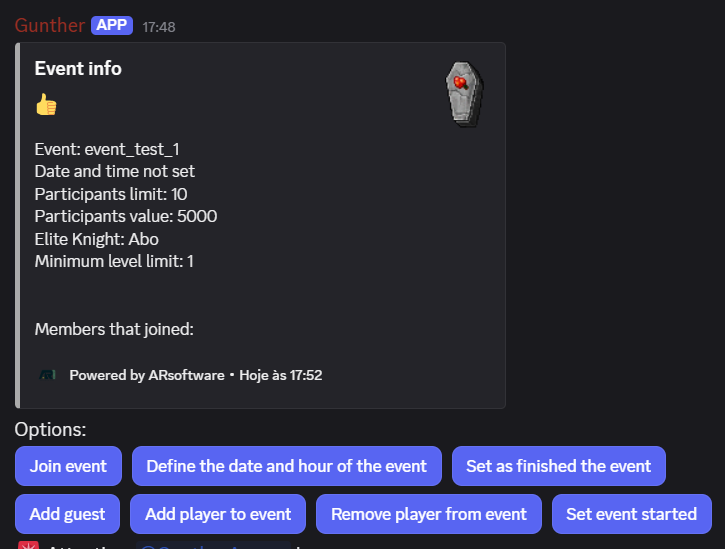
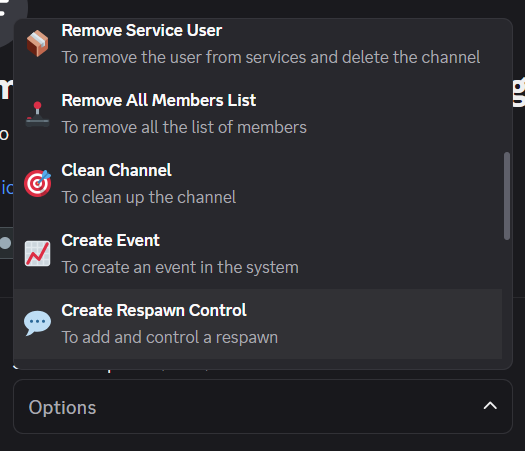
Create Respawn Control
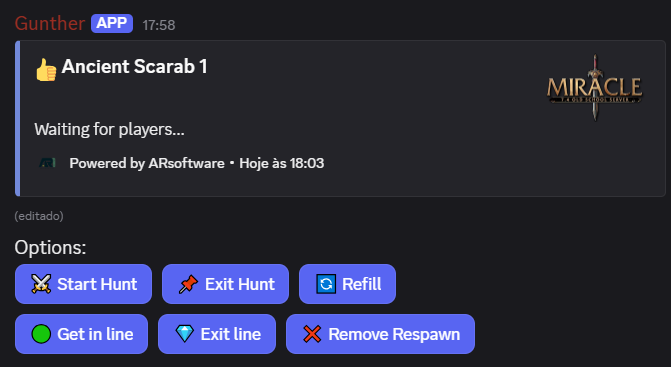
Option 'Create Respawn Control', to add and control a respawn, after the selection of the respawn in the respawns channel a channel will be created, like this:
Control buttons, 'Start Hunt', to initiate the hunt, 'Exit Hunt', to exit the respawn and allow other to start the hunt, 'Refil', to get some time to refil, the timer is paused, 'Get in line', to enter the line to hunt, as soon it is you time to play the respawn will inform you, 'Exit Line', to abandon a hunt and allow others to hunt, 'Remove Respawn', to remove the channel and stop the respawn
Friend/Enemy/Hunted Lists
To add a friend list to the system, it will ask for the name of the list to create, and it will be the name of the channel too
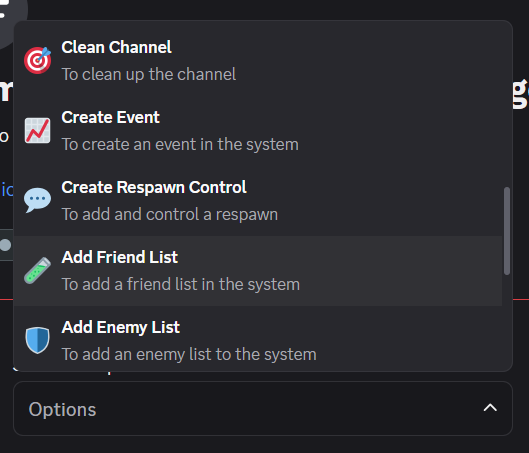
To add a enemy list to the system, it will ask for the name of the list to create, and it will be the name of the channel too
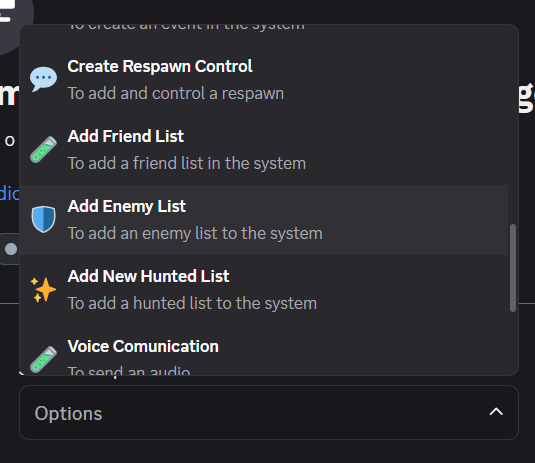
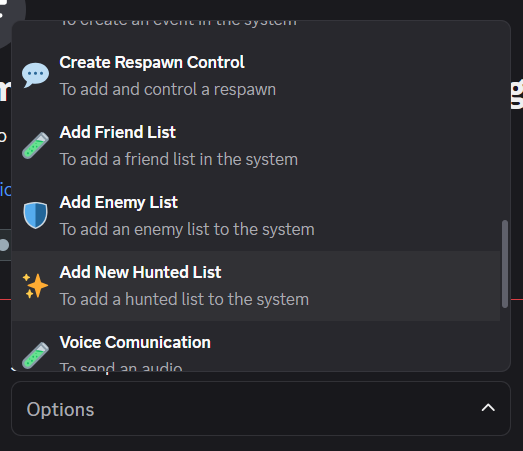
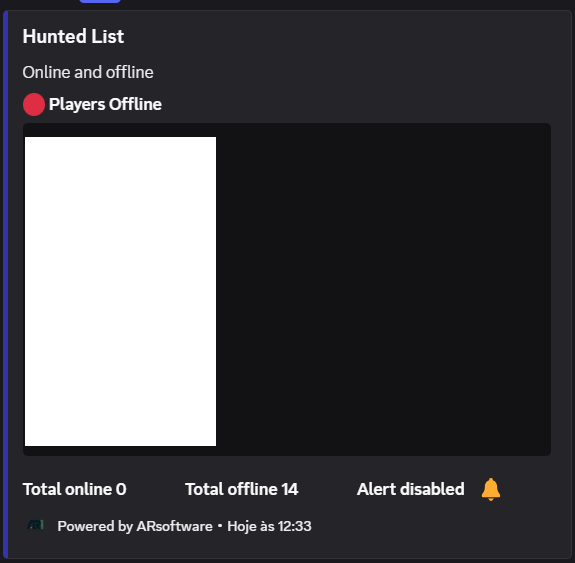
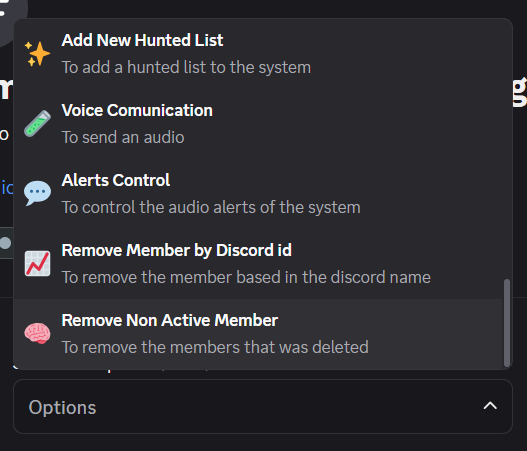
To added a hunted list to the system, it will ask for the name of the list to create, and it will be the name of the channel too, the channel created will have an embed that looks like this:
Audio Messages / Alerts
To send an audio message to the audio channels of the server, type the text to speak and Yes or No to english or portuguese
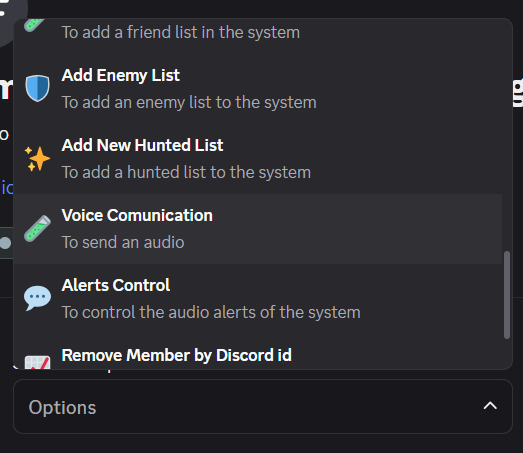
'Alerts Control', it will enable and disable the alerts of the system, 'Change Name Alert', it will enable or disable the change name alert, 'Member Track Alert', it will enable or disable the alert for the members that are tracked, 'Ban Alert', it will enable or disable the ban alert
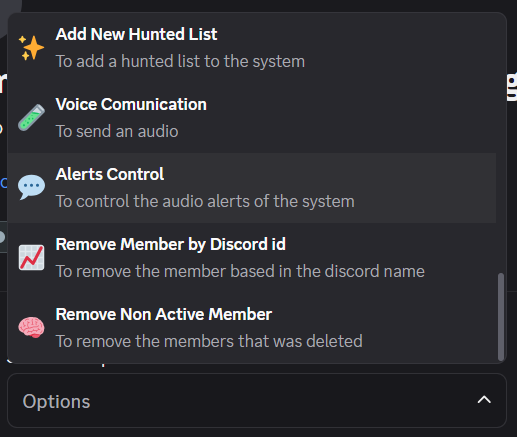
'Remove Member by Discord Id', it will allow the removal of the member by the discord id
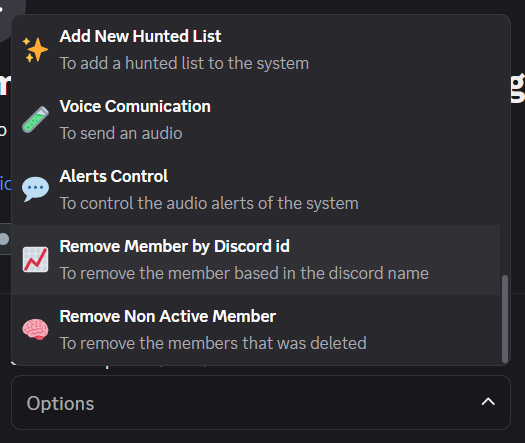
'Remove Non Active Member', it will remove the members that was deleted
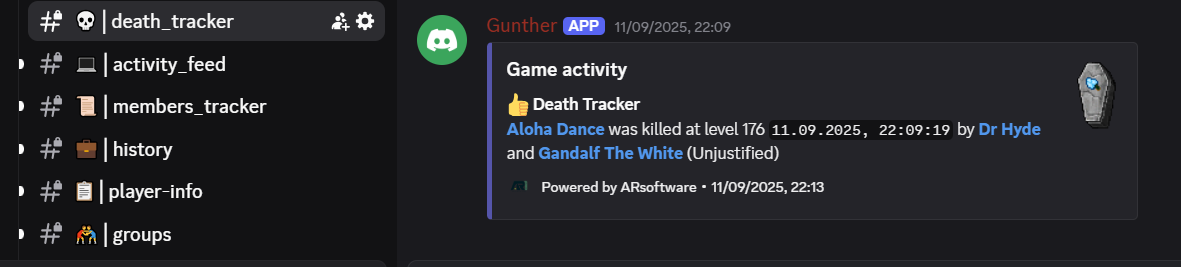
Death Tracker
Channel Death Tracker: It will show the deaths of friends and enemies, it is updated each 30 seconds, it shows the date and time of the death and who killed the player
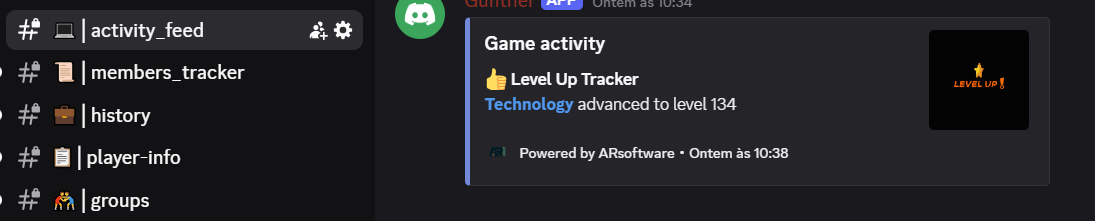
Activity Feed
Channel Activity Feed: It will show the level up and down of the monitored players, also name changes
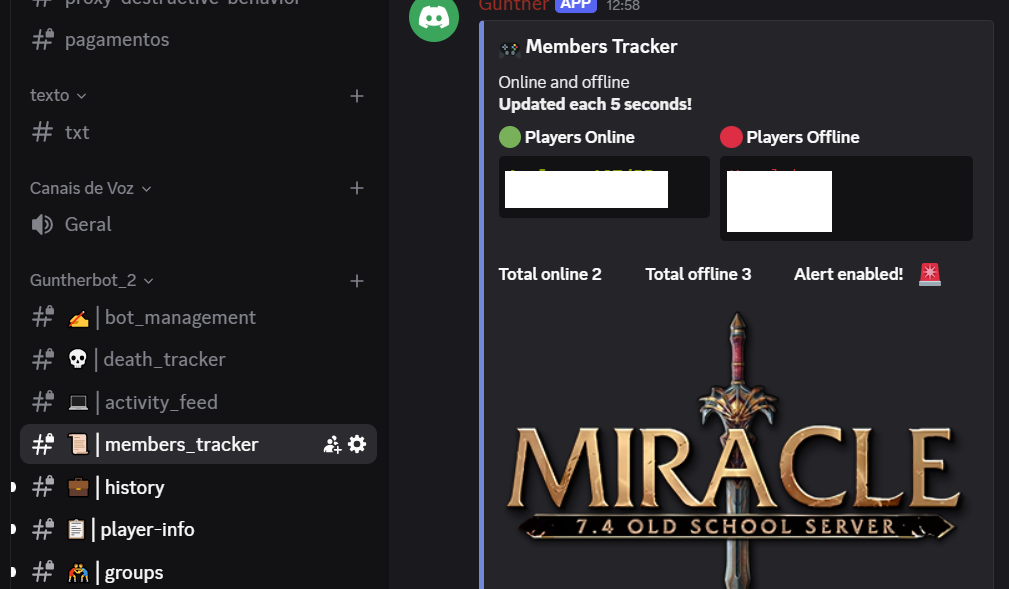
Members Tracker
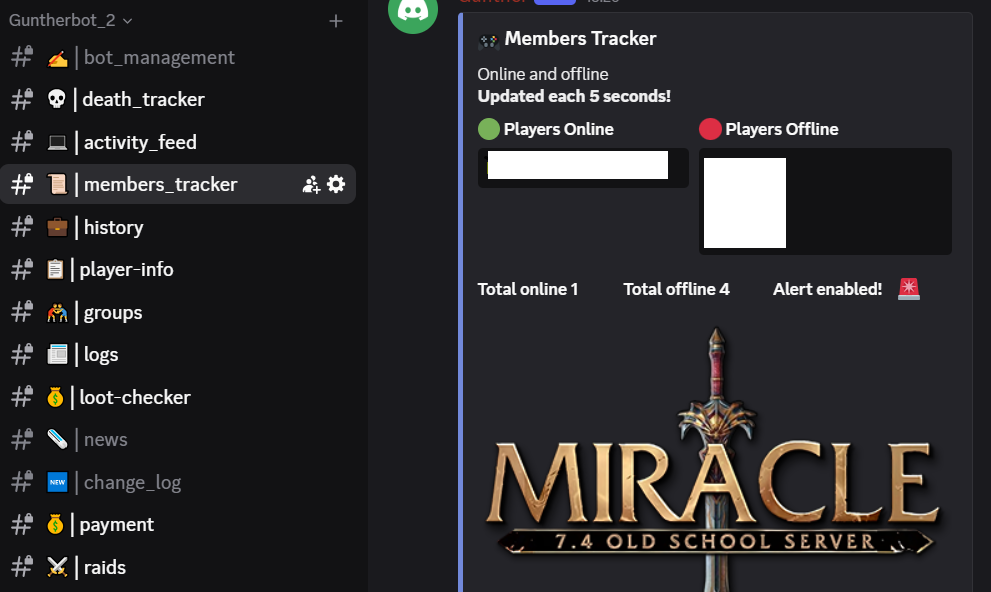
Channel Members Tracker: This channel shows the monitored players, and it will show too whether they are online or not, and you can enable or disable the alert
History
Channel History: It will allow the consult to the history of the bot, it have the buttons 'Number of Deaths', to show the deaths, 'Number of Deaths Caused', to show the number of deaths that the player did, 'Level Change', to show the levels change for the player, 'Name Change', it will show the changes in the name for the selected player

Player-info
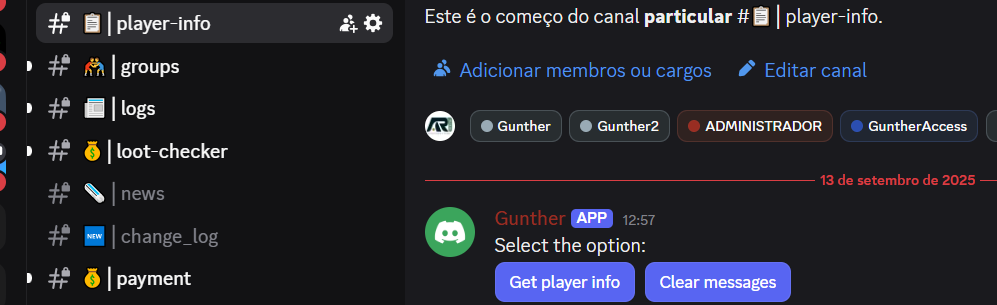
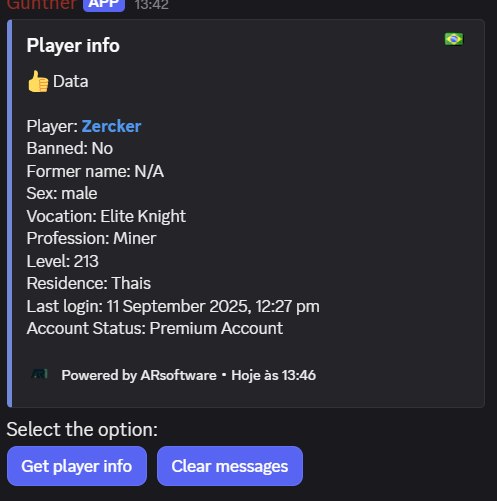
Channel Player-info: In this channel you get all the data for the selected player, also the button 'Clear Messages' to cleanup the channel, it looks like this:
Groups
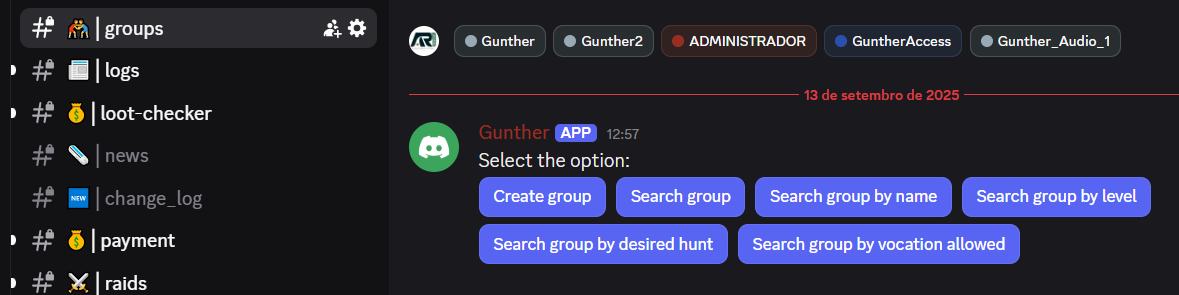
Channel Groups: In this channel you can control a Group entry, the buttons for this channel are: 'Create Group' to create the group, 'Search Group', to search for a group in the system, 'Search Group by Name', to search for a group using the name, 'Search Group by Level', to search for a group using the level selected, 'Search Group by desired hunt', to search the group using the desired hunt, 'Search Group by vocation allowed', to search the group using the vocation
Logs
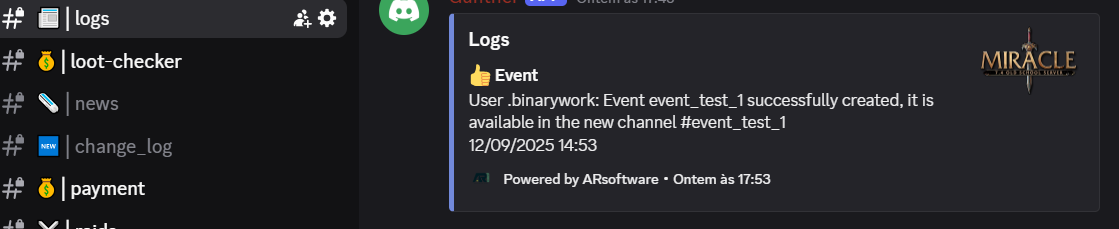
Channel Logs: It will show all the activity of the bot in an embed, Level Track, event and group created will also be available in the Logs
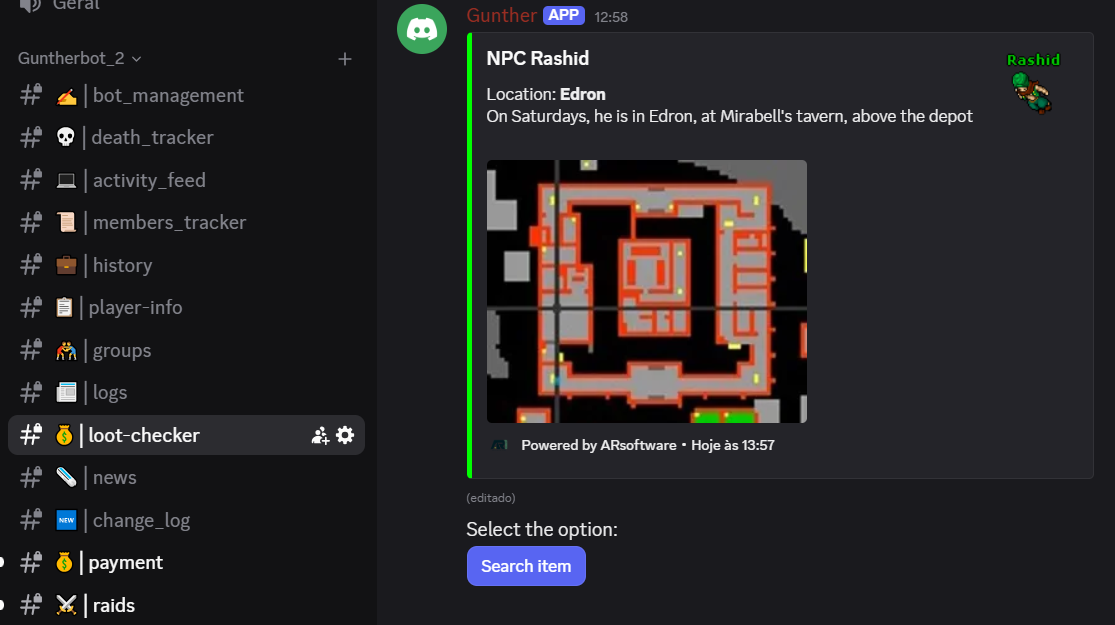
Loot-checker
Channel Loot-checker: It will allow to search for a selected item of the game, the description of the item is shown in an embed
Payment
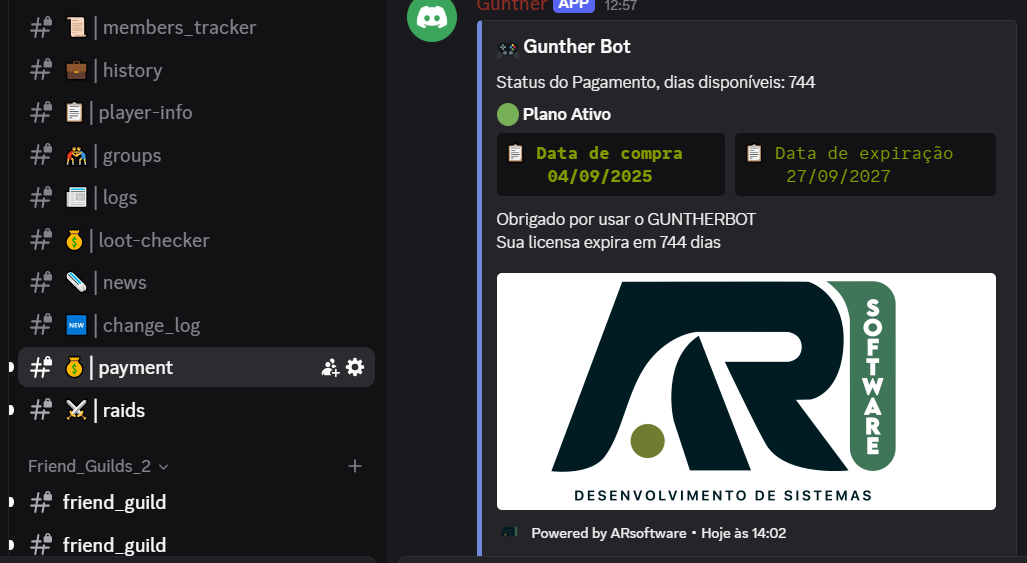
Channel Payment: In this channel an embed will inform all the registration info, also two buttons, 'Renovar Agora', to purchase more days to the bot, also another button 'Ver Histórico', to show the latest 10 purchases
Raids
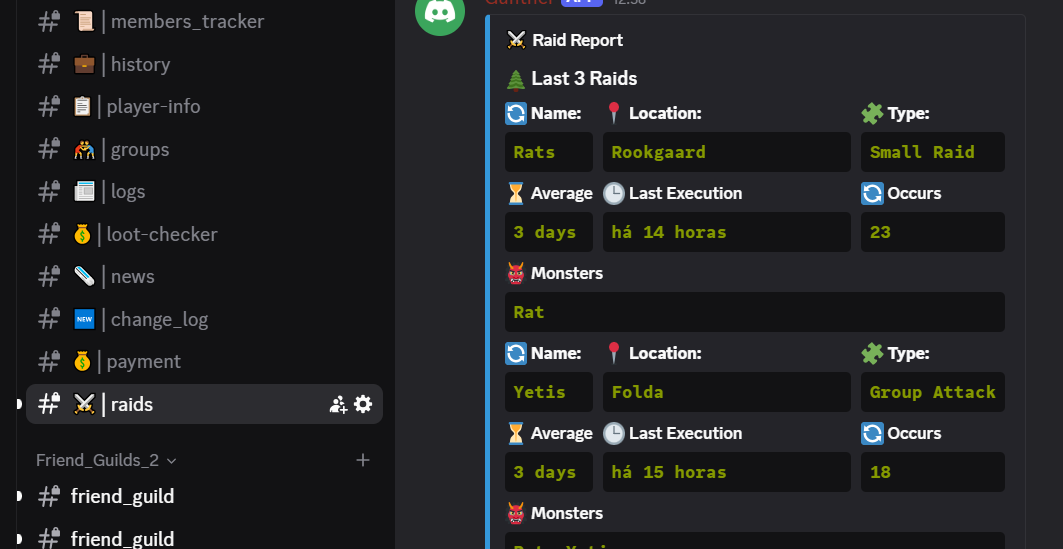
Channel Raids, it will show information about the last 4 raids, it have the fields 'Name', the name, 'Location', the location, 'Type', the type of the raid, 'Average' to show the average, 'Last Execution', the timestamp of the raid, 'Occurs' how many times it occurred
Calculators (EXP, Magic Level, Stats)
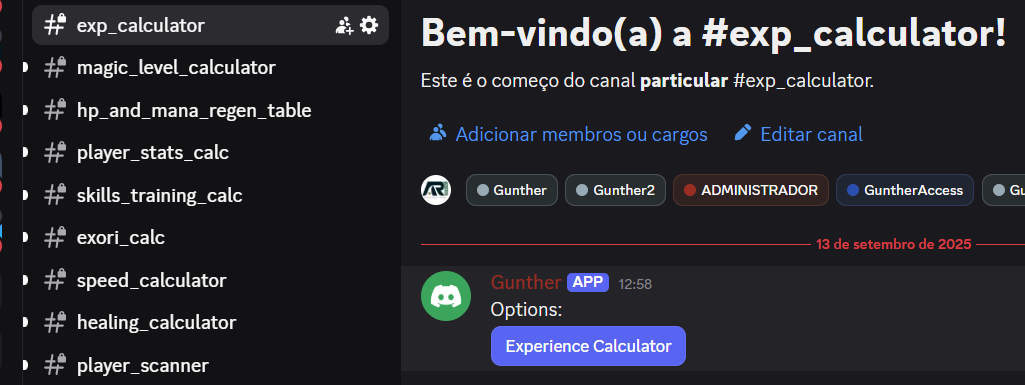
Channel exp_calculator, it will calculate the experience based on three definitions, 'Started Level', 'Percentage', 'Wanted Level'
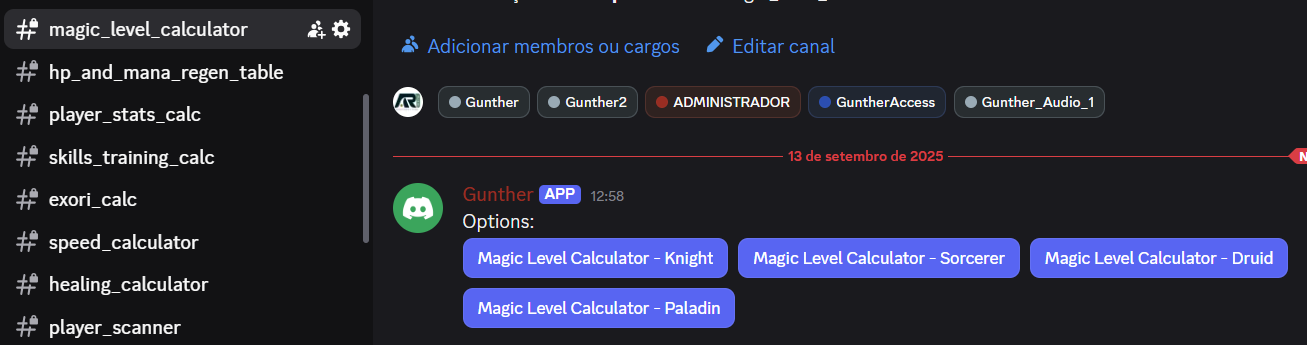
Channel Magic Level Calculator: this channel have a few buttons, 'Magic Level Calculator Knight', 'Magic Level Calculator Sorcerer', 'Magic Level Calculator Druid', 'Magic Level Calculator Paladin' it asks for three informations: 'Started Level', 'Percentage', 'Wanted Level' and 'Yes for Promoted', it will return the magic level
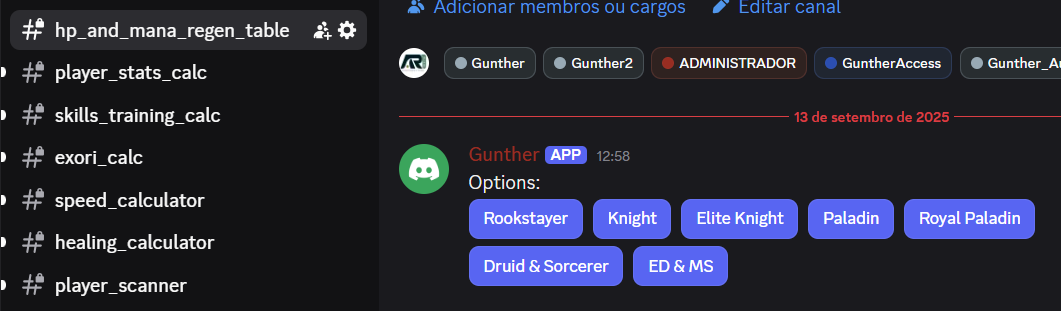
Channel hp_and_mana_regen_table: It shows a few buttons to calculate the hp and mana, 'Rookstayer', 'Knight', 'Elite Knight', 'Paladin', 'Royal Paladin', 'Druid and Sorcerer', 'ED & MS', it will ask for three things, 'Minutes', 'Yes to use Life Rings', 'Yes to use Giant Sapphire'
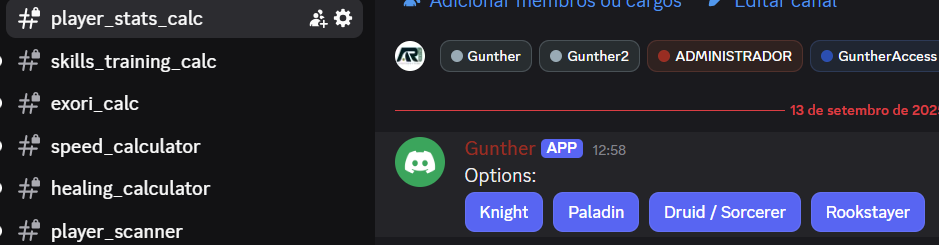
Channel player stats calc: it have 4 buttons, 'Knight', 'Paladin', 'Druid / Sorcerer', 'Rookstayer', it will ask for input level and level that left Rookgard, after entering the values an embed will show the player information
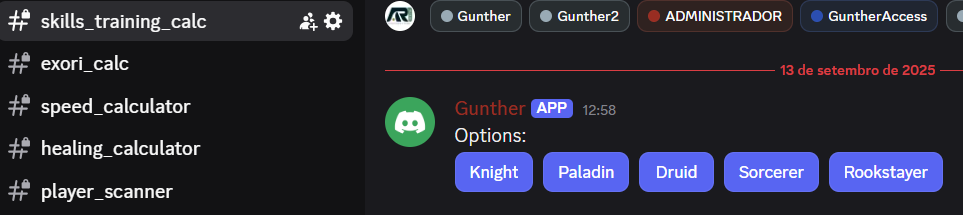
Channel skills training calc: it will list the selected information, and it have 5 buttons 'Knight', 'Paladin', 'Druid', 'Sorcerer', 'Rookstayer', you need to enter the options 'Fist Fighting', 'Club/Sword/Axe', 'Distance fighting', 'Shielding', 'Fishing'
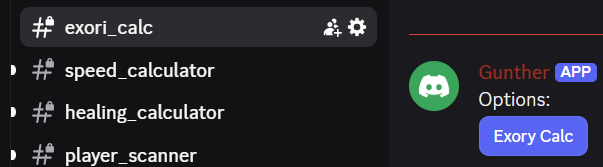
Channel exori_calc: To apply an exori calc, it will ask for level, button 'Exori Calc' will show a popup asking for level
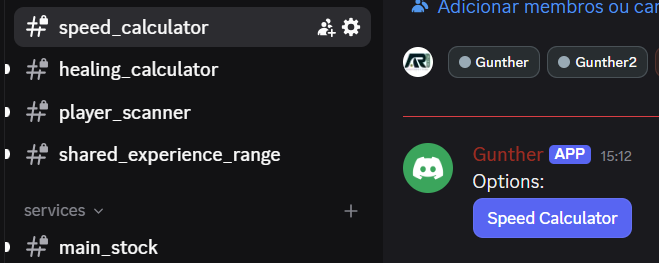
Channel speed_calculator: To calculate the speed, and it has the command button 'Speed Calculator', it will ask for 'Input Level', 'Yes to Time Ring', 'Yes to Boots of Haste'
Channel Healing Calculator: It will calculate the healing, possible options after entering the level and magic level are: 'Life Fluid', 'Mana Fluid', 'Intense Healing Rune', 'Ultimate Healing Rune', 'exura', 'exura gran', 'exura Vita', 'exura Sio', 'exura gran mas hes'
Channel Shared Experience Range: It will ask the input level and show the experience range

Advanced Trackers (Scan, Block, Banned)
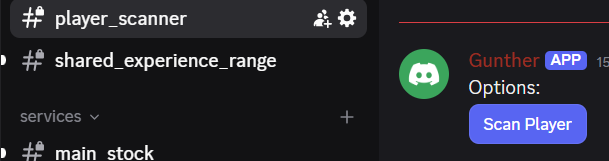
Channel Player Scanner: to try to detect the utilization of many characters at miracle74, it will check the logout and login in the game and with this information detect the other accounts controled by the same person, it is not perfect, some results can be a false positive, the button will ask for the name of the character
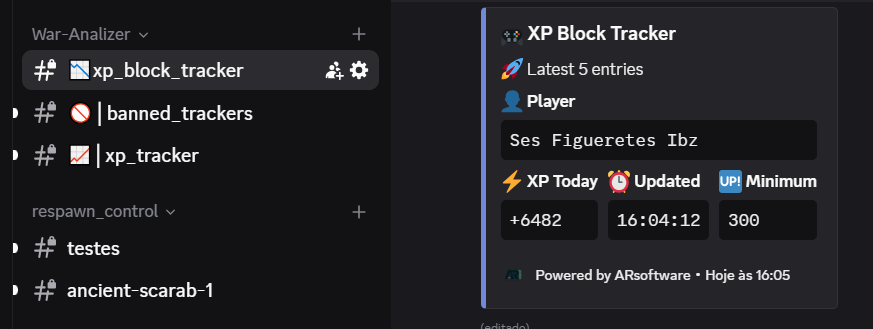
Channel xp_block_tracker: It will monitor de enemies defined with the bot, you can add or remove players in this list
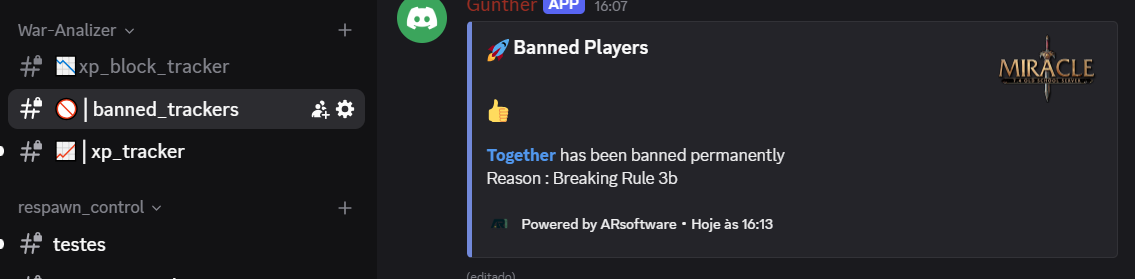
Channel banned trackers: It will show the players that got banned, the list is from enemies and friends defined in the bot
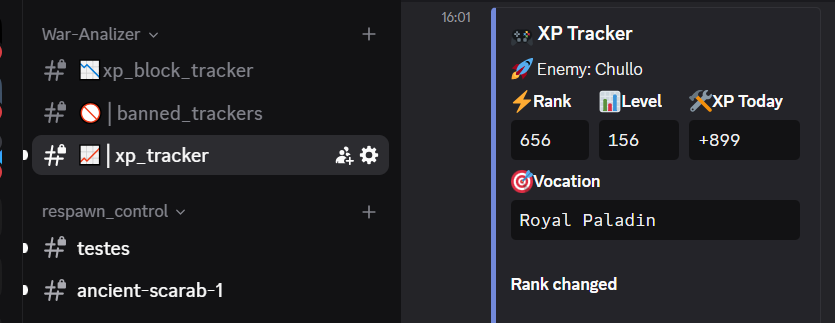
Channel xp_tracker: It will show the XP changes and the change in experience of the enemies listed in the bot